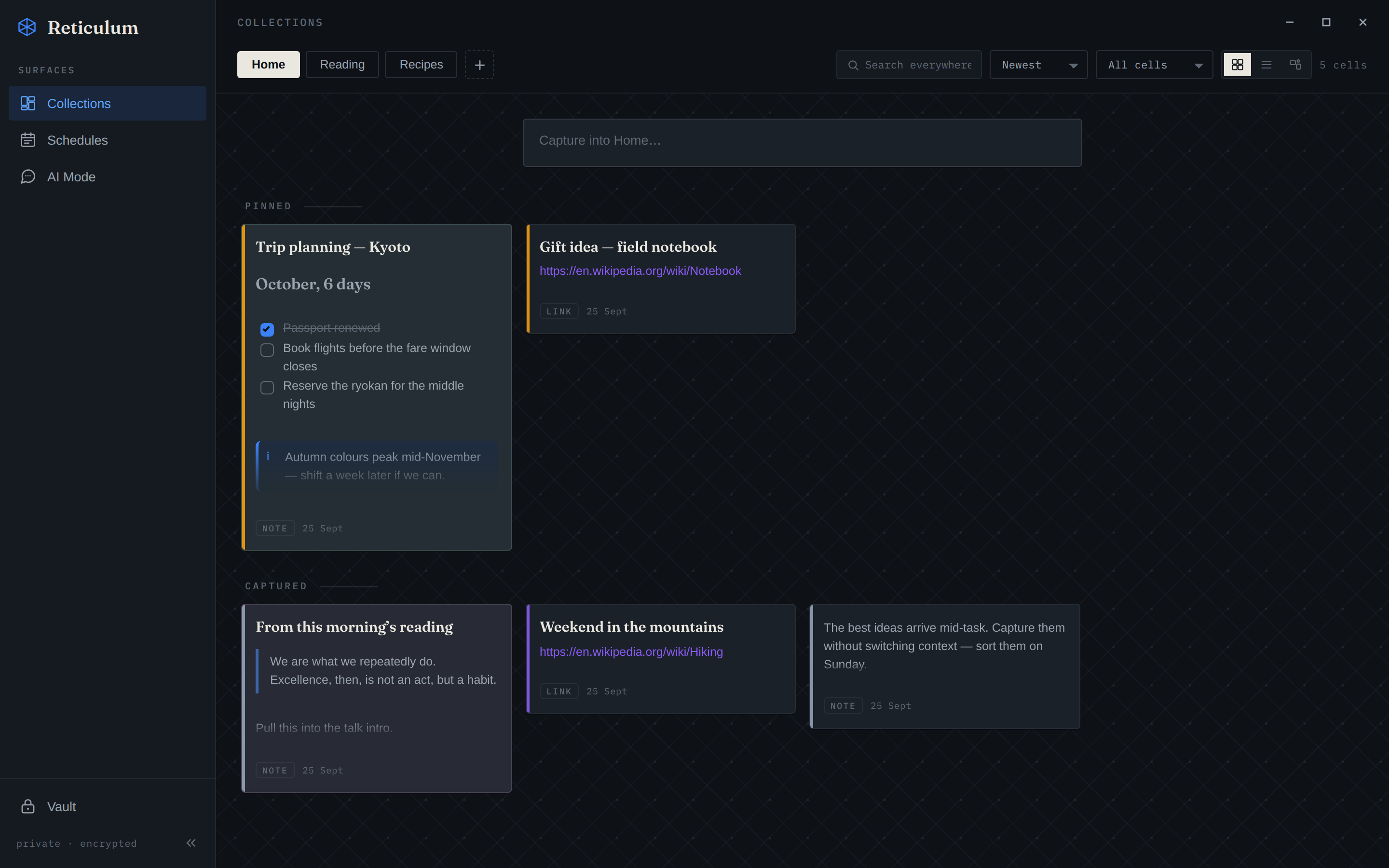
One shortcut, from any app.
Select anything, press Ctrl Shift =, and it lands in the collection you’re in. Your clipboard stays as it was.
Every shortcut, explainedEverything ReticulOS does, each one shown working. Anything not switched on yet is marked.
Anything you want to keep, from any app, in one place.
Select anything, press Ctrl Shift =, and it lands in the collection you’re in. Your clipboard stays as it was.
Every shortcut, explainedAdd them from the + menu and each becomes a card you can open and play. Recordings and videos up to 200 MB, PDFs up to 50 MB.
Lessons, calls, voice notes. It records your microphone and your computer’s sound together, and saves as it goes.
Headings, lists, to‑dos, tables and callouts appear as you type. Everything is stored as plain Markdown.
The format your notes are written inEach day gets a page. Anything you didn’t finish follows you to today with one click.
The day book, step by stepAsk for things the way you remember them, not the way you filed them.
Describe what you’re after in your own words. Search runs on your computer, so after a one-time model download it needs no internet, account or key.
How search by meaning worksPictures are understood by what’s in them, not just their file names.
Every page is read, including scanned pages and charts, so answers point to the page.
Find a moment in a recording or video by describing it, and jump straight there.
Press Ctrl Shift / over any app. Every collection is searched at once, with the match highlighted.
Answers from your own notes, with proof you can click.
Each answer is built from what you saved, with a number you can click to open the exact note it came from.
How this compares with NotebookLMFlip from your notes to a conversation with Ctrl Shift Space. The chat stays put while you work.
With Pro, point it at a form on screen. Each answer comes from your notes with its source, ready to copy. If it can’t find one, it says so instead of guessing.
Ask it to make a list, update a note or add to your day book. It asks before it changes anything, and every change can be undone. With your ChatGPT plan it can look things up on the web too.
With Pro, sign in with ChatGPT and your answers come from your own plan, with no extra AI subscription.
Bring your notes to the AI you already use.
Connect Claude, Cursor or any app that supports MCP. They search what you’ve saved and say where they found it.
Set it up with Claude or CursorWhen an AI app wants to add or edit a note, you approve it first. Every change is listed, and each one can be undone.
Private by default, safe if your computer isn’t, and easy to leave.
What you save is kept on your own machine, encrypted.
How your notes stay privateA daily encrypted backup, with the last week and month kept. Restore it on any computer with your recovery key.
Locked with its own password and locks itself after five minutes. Never searched, never sent to any AI.
The password vault, explainedExport everything to Markdown files, or one JSON file, whenever you like.
How it compares with ObsidianEvery update is signed and checked before it installs, and your notes are backed up first. You choose when to restart.
Free for Linux and Windows, in beta now. Your first note takes one shortcut.
Linux and Windows today · Mac coming soon · Questions? support@reticulos.com