“Private” is one of the most overused words in software. Every app says it. So rather than say it, this post explains exactly where your notes live, what protects them, and what's allowed to leave your computer, so you can judge for yourself.
Where your notes live
Your notes, pictures, files and recordings are stored in a database on your own computer. Not in our cloud: there isn't a copy of your notes on our servers, because we don't keep one. (Optional cloud backup is coming with Pro. We'll explain exactly how backed-up data is protected before it ships.)
That database is encrypted at rest, using SQLCipher, a widely used encrypted version of the SQLite database. If someone copied the file off your disk, they'd get scrambled data.
The key that unlocks it is a random 256-bit key, made on your computer the first time you open ReticulOS, and protected by your operating system's keyring, the secure storage your system already uses for saved passwords. On some Linux setups there's no keyring available. In that case ReticulOS tells you that the key is less well protected, instead of quietly protecting less.
A second lock for passwords
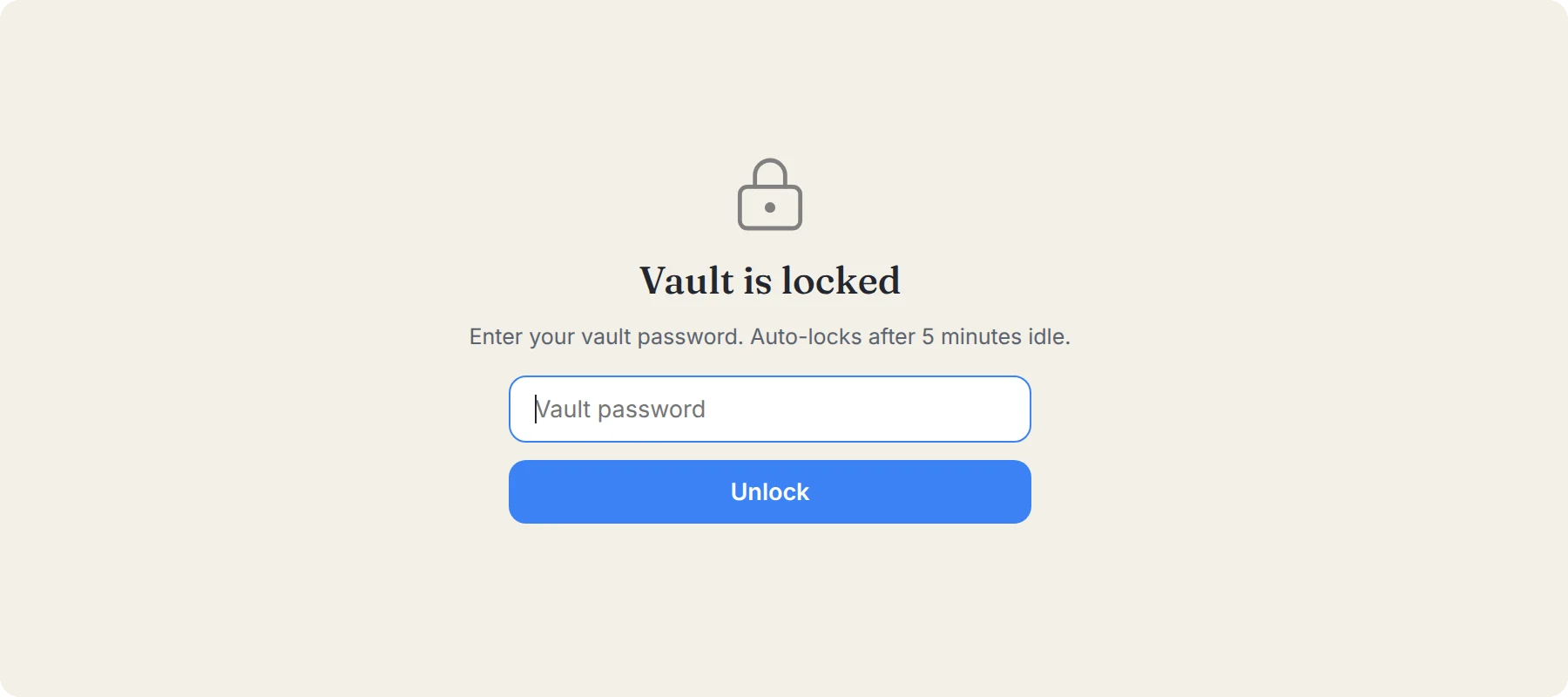
The vault is a separate, locked space for passwords and codes, and it has its own protection on top of the database's:
- Each entry is sealed again with a key made from a vault password that only you know.
- That key exists only in memory while the vault is open, and is wiped when it locks.
- The vault locks after five minutes idle, when you close Reticulum, and whenever you press the lock.
- Anything you copy from the vault clears from your clipboard after 45 seconds.
There's no recovery for the vault password, deliberately. Nobody, including us, can open a vault without it. More in the vault, explained.
What AI sees, and what it doesn't
ReticulOS has AI features, and AI usually means sending things somewhere. Here's precisely what goes where.
Searching happens on your computer. When you ask Ret a question, finding the relevant notes is done locally, by a model running on your own machine. Searching needs no connection at all.
Answers send the minimum. Once Ret has found the notes that matter, it sends your question and those few passages to the AI service that writes the answer. Not your collection, not your library.
Connected apps stay local, and ask first. If you connect an AI app like Claude or Cursor, it talks to ReticulOS only from your own computer, needs a token from your settings, and must ask your permission before changing anything. Every change is listed, and every change can be undone.
The vault is off limits. It isn't searched, isn't indexed, and can't be read by Ret or by any connected app.
What the app doesn't do
- No analytics. The app has no analytics, no crash reporting and no tracking of what you do in it.
- No account needed. You can use ReticulOS without signing in. If you do sign in, your account holds your email address and your plan, and none of your notes. The privacy policy lists exactly what an account keeps.
Safe updates
On Linux, ReticulOS updates itself, and that process is built to be hard to tamper with. Every update is signed, and the app checks the signature and the file before installing anything, so a compromised download server can't push a fake update. Your notes are backed up before an update installs, in case anything goes wrong. And nothing installs until you choose to restart.
Your notes can always leave
Privacy isn't only about who can see your data. It's also about whether you can take it with you. Every note in ReticulOS is stored as plain Markdown, and you can export everything at any time: as a folder of ordinary files, one folder per collection, with your pictures and files alongside, or as a single file that keeps everything. No lock-in, no export fee, no asking.
If you have a question this post doesn't answer, write to contact@reticulos.com. We'd rather explain than ask you to trust us.
