ReticulOS is useful from the first note you save. But there's a difference between using it and getting the most out of it, and it mostly comes down to a few small habits. None of them take long to pick up. Together, they make ReticulOS faster to save into, quicker to search, and noticeably sharper when you ask it things.
1. Learn two shortcuts before anything else
There are six global shortcuts, and you'll want them all eventually. Start with two:
- CtrlShift= saves whatever text you've selected, in any app, into ReticulOS.
- CtrlShift\ shows and hides the widget. It reappears exactly where you left it.
Those two cover most of daily use: grab something, glance at your notes, get back to work. When they've become automatic, add the rest. They're all in every shortcut, explained.
2. Save first, sort later
The biggest reason people stop saving things is that saving means deciding where they go. Don't decide. Anything you capture lands in whichever collection is showing, and that's fine. Once a week, or whenever you have a spare minute, move stragglers to the right place with Move to… on the card.
3. Give the important notes a title
A note without a title still works. But titles count for extra in search, so a titled note comes up first. They also make Ret's citations easier to recognise at a glance, which matters when you're checking where an answer came from. A title only needs to be a few words: “Boiler service”, “Q3 budget numbers”, “Mum's flight”.
4. Organise by project, not by type
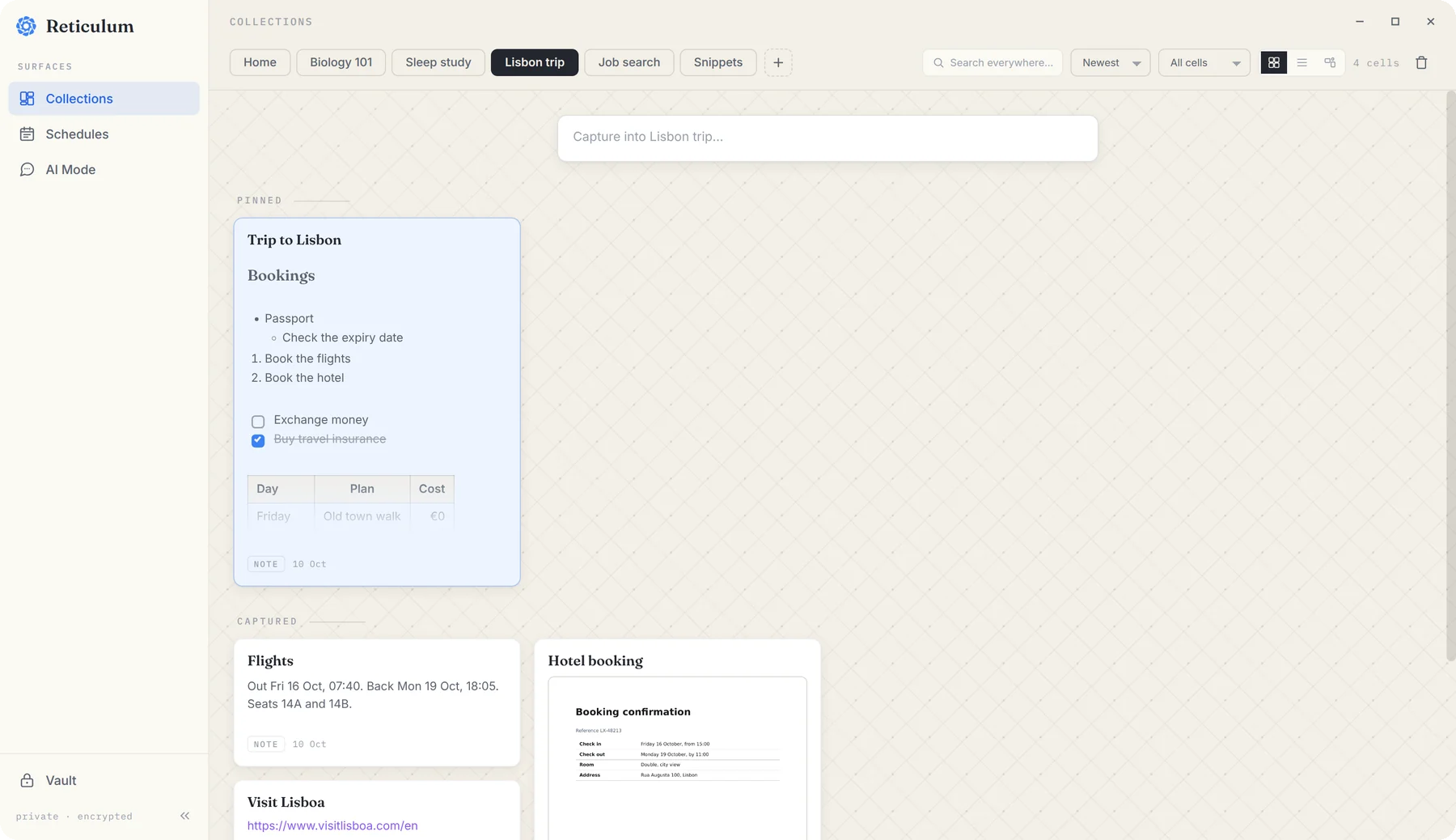
It's tempting to make collections called Documents, Links and Notes. Resist it. A collection called “Lisbon trip” holding the hotel booking PDF, the flight times, the restaurant links and the packing list is far more useful than four type-based collections each holding a quarter of the trip.
5. Pin what you use every day
Every collection can have a few notes that matter more than the rest: the CV in a job search, the planning note for a trip, the key finding in a research project. Pin them. Pinned notes sit on their own shelf at the top of the collection in Reticulum, so the thing you reach for most is always first.
6. Put anything with a date in the day book
Deadlines, appointments, follow-ups, things to do on Thursday: they all belong in the day book, which you'll find in Reticulum under Schedules. The reason is one feature: unticked to-dos from recent days appear on today, under Carried forward, until you deal with them. Nothing with a date can quietly slip past.
7. Ask “All collections” when you're not sure where something is
Ret normally answers from one collection at a time, which keeps answers focused. But when you don't know where something lives, choose All collections from the list at the top of Ret. It then searches everything you've saved, including the day book. (The vault is never included.)
8. Click the citation
Every answer from Ret carries small numbered citations, one for each note it used. Get into the habit of clicking them when an answer matters. Reticulum opens on the exact note and highlights it, so you can see what it actually says. It takes two seconds, and it's the difference between trusting an answer and knowing it.
9. Fold long notes away
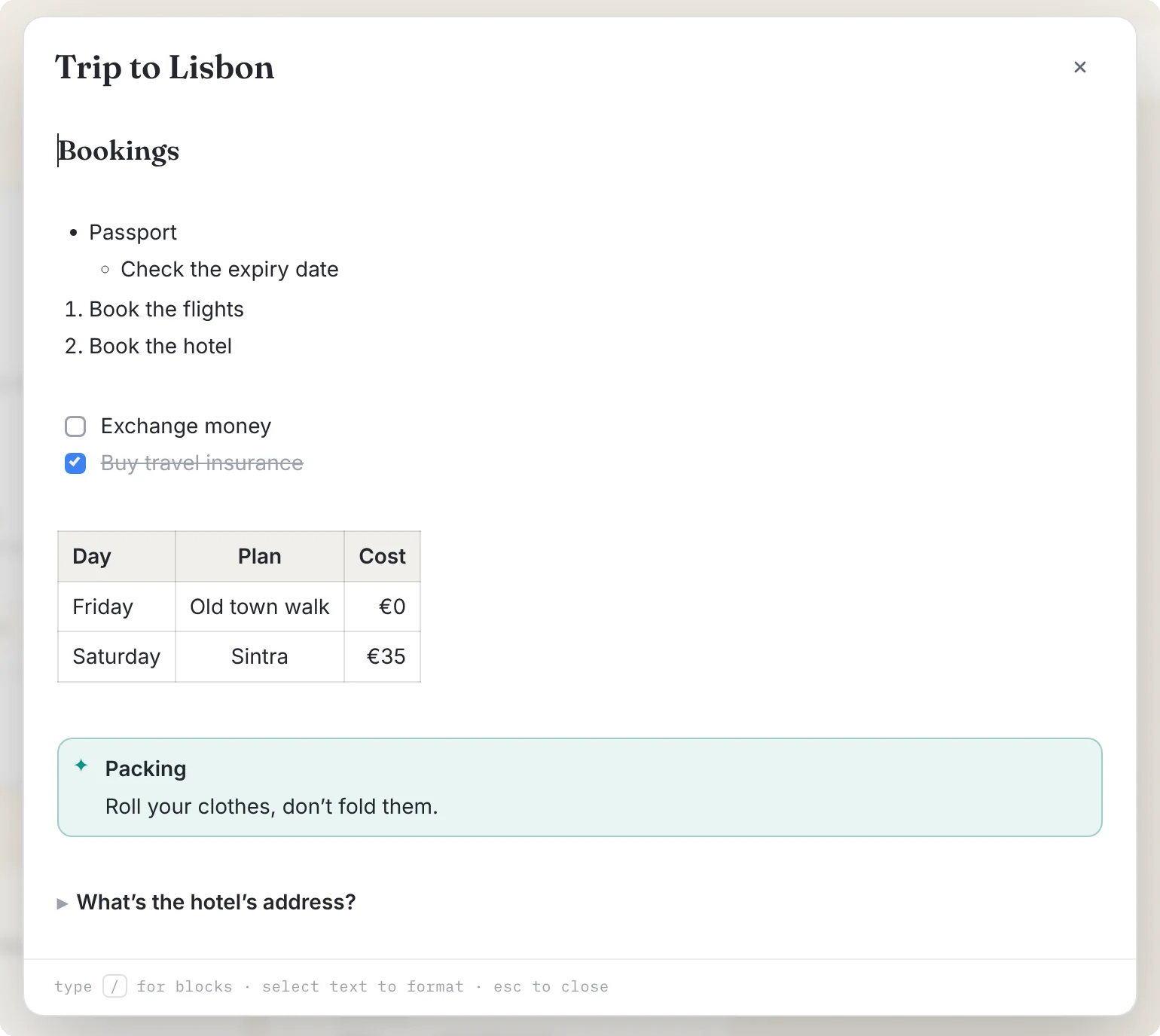
Long notes are hard to scan. In the editor, type /toggle to make a section that folds away behind a single line. The detail is still there, still searchable, still available to Ret, but it isn't in your way.
10. Connect the AI you already use
If you use Claude, Cursor or another app that supports MCP, connect it to ReticulOS. It's free, it takes a minute, and it means the AI you already work with can search your notes and tell you where it found things. Here's how.
