
Five small apps, five places to look
Count the apps you use to keep track of your own life. A notes app. A to-do list. A voice recorder. A folder of screenshots. Somewhere, a list of passwords you probably shouldn't be keeping where you keep it. Each of them is fine on its own. Together, they mean that every time you need something, you first have to remember which of five places it's in.
There's a second, quieter cost. None of those apps knows about the others. Your to-do list doesn't know about the notes behind the task. Your recordings don't know about your notes from the same meeting. Nothing can answer a question that needs two of them at once.
ReticulOS takes the opposite approach: one place for the things you save, write and need to find, and one search and one AI across all of it.
What it replaces
| Instead of | In ReticulOS |
|---|---|
| A notes app | Collections of notes with headings, lists, tables, to-dos and callouts, stored as plain Markdown |
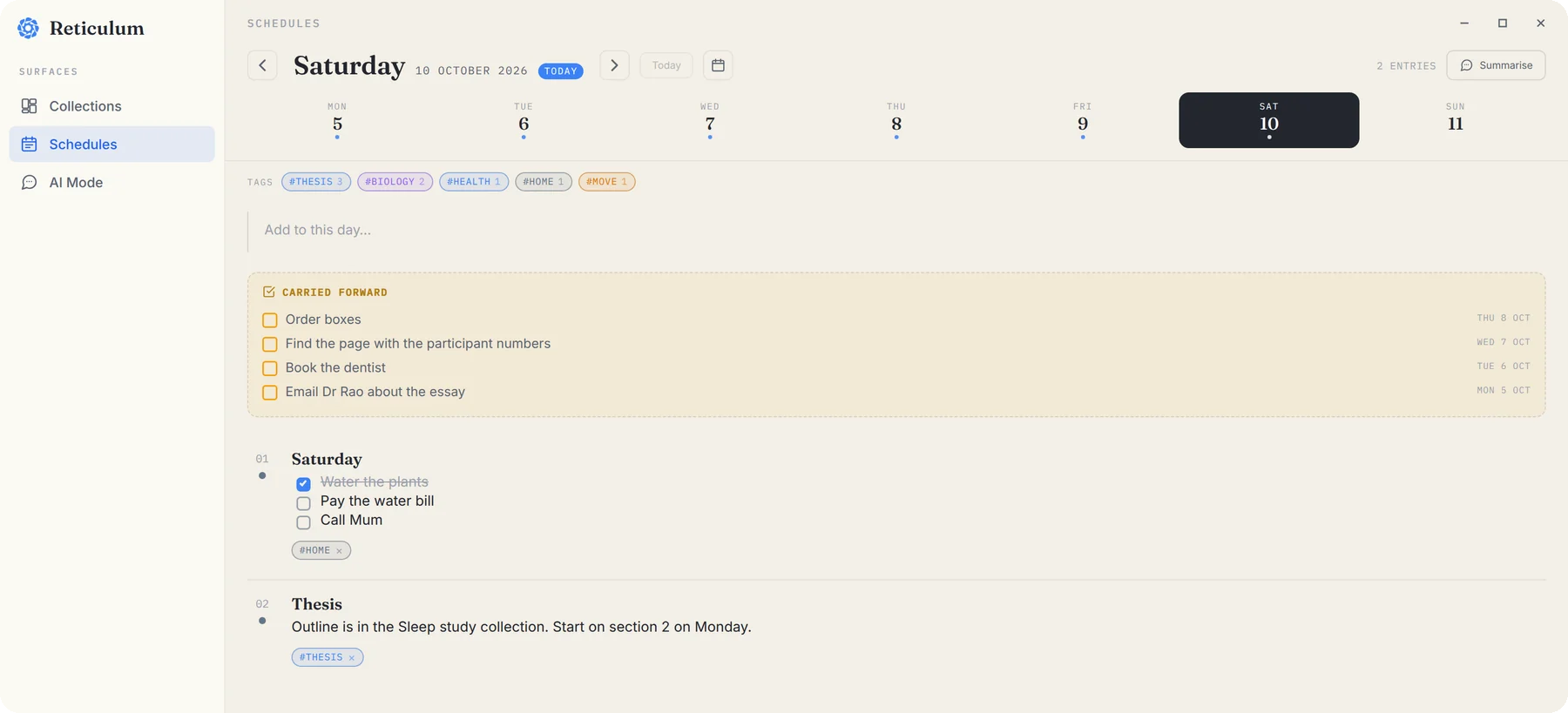
| A to-do app | Checklists in any note, plus the day book, which carries unfinished to-dos forward to today |
| A voice recorder | One-click recording of your microphone and your computer's sound, on Linux for now |
| A screenshots folder | CtrlShift4 saves part of your screen as a picture you can find by describing it |
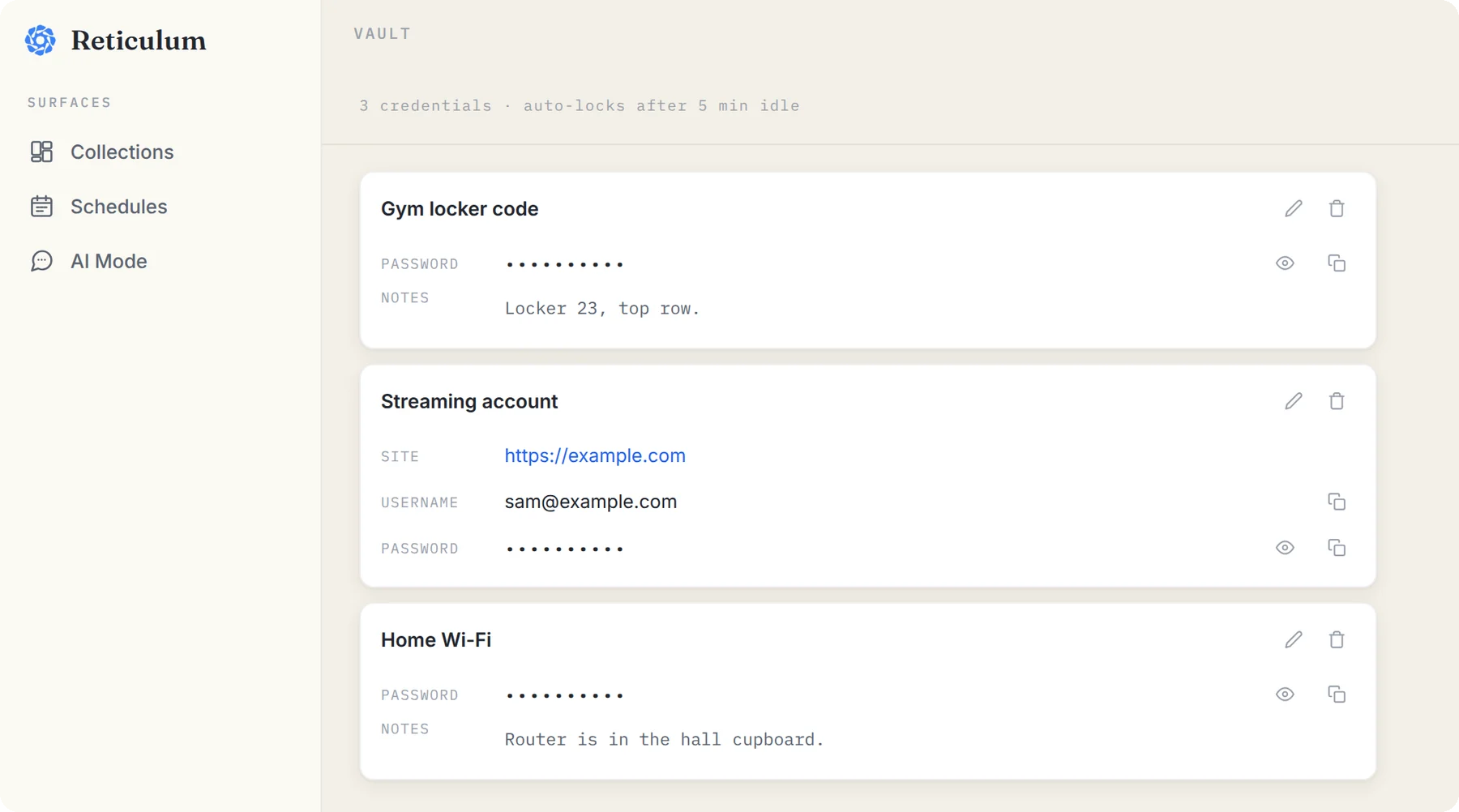
| A list of passwords | The vault, locked with its own password, never searched and never shown to any AI |
Notes
Every note can be as simple as a single line or as structured as a project plan: headings, bullet and numbered lists, checklists, tables, code, coloured callouts and folding toggles. Notes sit in collections, one per project or part of your life, and Reticulum shows a collection as a grid, a list, or a canvas you can arrange by hand.
To-dos
There's no separate task list to keep in sync. Type [] and a space in any note to start a checklist, so the packing list lives with the trip and the questions for the landlord live with the lease. For anything with a date, the day book gives each day its own page.
Recordings
Press the microphone in the widget and ReticulOS records, saving as it goes. The recording becomes a note in the collection you're in, with a player built into the card. With Pro, you can find a moment in it by describing what was said.
Screenshots
CtrlShift4, drag a box, done. It's saved as a picture in the open collection. Pictures are understood by what's in them, so you can find one later by describing it rather than remembering when you took it.
Passwords
The vault is a locked space inside ReticulOS, with a password of its own, separate from everything else.
Why one place is better
The obvious win is that there's one place to look. The less obvious wins are bigger.
One search. Press CtrlShift/ from any app and you're searching notes, links and files together, in every collection at once.
One AI that sees the whole picture. Ask Ret a question with All collections selected and it can draw on your notes, your day book and your PDFs at once, and show you which ones it used. A question like “what did I decide about the flat, and what's still left to do?” only has an answer if the decision and the to-dos are in the same place. (The vault is the exception. Ret never sees it.)
One way to save. Whatever app you're in, CtrlShift= saves what you've selected into ReticulOS. There's no deciding which app something belongs in.
One export. Everything leaves as a folder of ordinary Markdown files, with your pictures and files alongside, or as a single file that keeps everything, whenever you like.
Where a dedicated app still wins
It would be easy to stop the post there, but that wouldn't be honest. Some jobs are better done by an app built for nothing else:
- If you want passwords filled in for you in the browser, or the same vault on your phone, a dedicated password manager does that. The ReticulOS vault is for the codes and logins you look up yourself.
- If a whole team shares a task list with assignments and due-date reminders, keep the team's tool. The day book is for your own days.
- If you record long meetings every day and need transcripts, that's coming to ReticulOS, but it isn't here yet.
ReticulOS is for your own context: the things you save, write and need to find again. For that, one place really is better than five. If you're weighing it against a tool you already use, the comparisons with Obsidian, Notion, NotebookLM and clipboard managers say plainly when each one is the better pick.
